

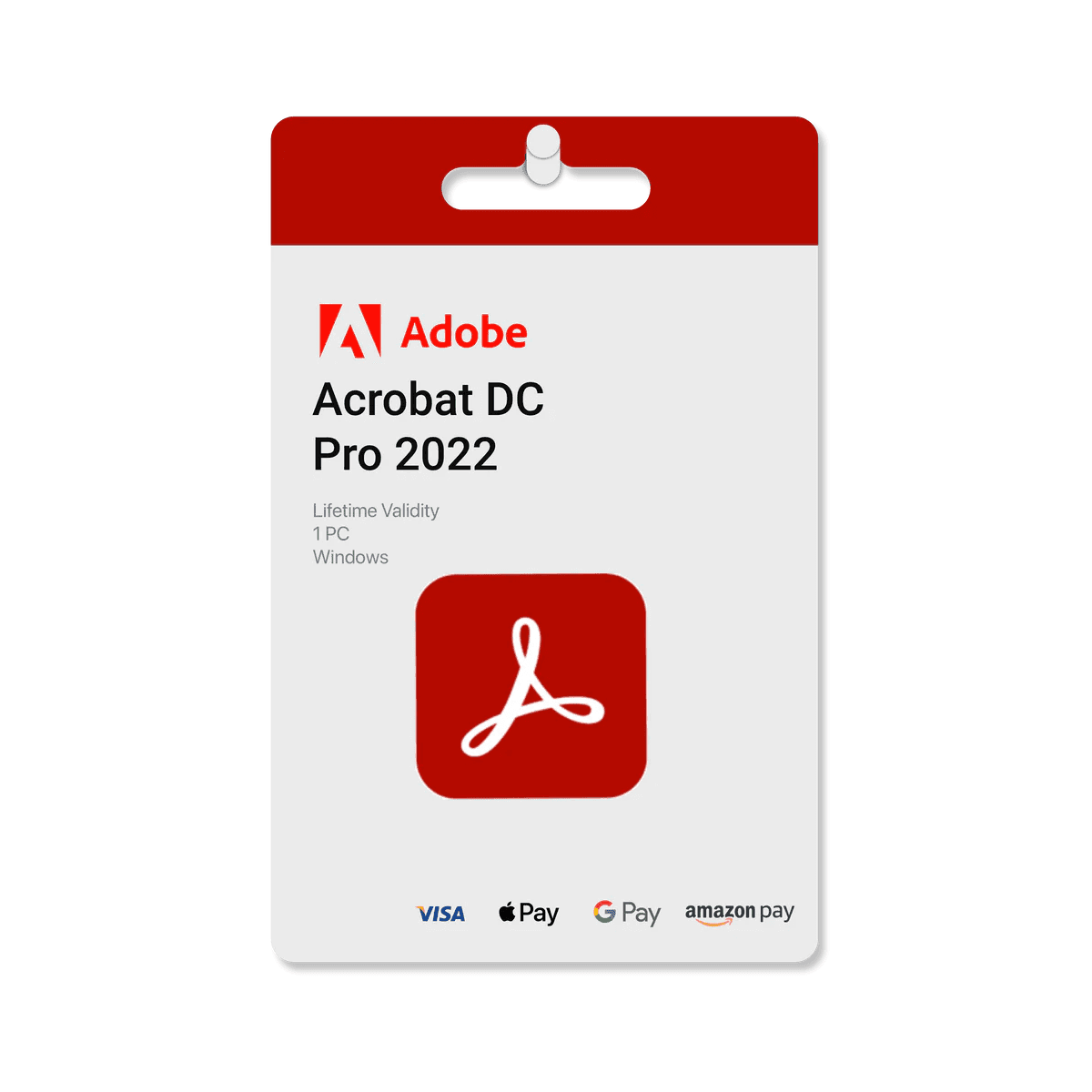

Adobe Acrobat Pro DC is a premium PDF editing and document management platform designed to help users create, edit, convert, organize, and share PDF files more efficiently. Widely trusted by businesses, professionals, educators, students, and remote teams, Acrobat Pro DC provides advanced tools for handling digital documents while supporting smoother productivity workflows across multiple environments.
Whether you’re editing contracts, preparing reports, converting files, managing forms, collecting signatures, or collaborating on business documents, Adobe Acrobat Pro DC helps simplify complex document tasks while maintaining professional-quality results.
Instead of relying on multiple separate tools for editing, conversion, signing, and organization, users can manage everything within one connected PDF workspace.
Advanced PDF Editing & Document Management
Adobe Acrobat Pro DC helps users handle PDF files more flexibly through tools designed for:
- PDF editing
- Text and image adjustments
- File conversion
- Document organization
- Digital signatures
- Form creation and management
- Annotation and commenting
- PDF merging and splitting
These features help streamline workflows while maintaining clean and professional document formatting.
Simplify Everyday Productivity Tasks
Managing digital documents manually can become repetitive and time-consuming. Acrobat Pro DC helps users:
- Edit documents more quickly
- Convert files efficiently
- Organize paperwork digitally
- Share files securely
- Improve collaboration workflows
- Reduce repetitive administrative tasks
This makes the platform valuable for offices, remote teams, freelancers, educators, and businesses handling large volumes of documents.
Convert & Share Files Smoothly
Adobe Acrobat Pro DC supports flexible conversion workflows between PDF and commonly used formats.
Users can:
- Convert Word documents to PDF
- Export PDFs into editable formats
- Prepare professional presentations
- Manage scanned documents
- Combine multiple files into organized PDFs
These tools help maintain cleaner digital workflows while improving document accessibility and sharing.
Helpful for Business, Education & Remote Work
The platform supports a wide variety of workflows including:
- Business documentation
- Contracts and agreements
- Academic projects
- Administrative paperwork
- Reports and presentations
- Digital approvals
- Remote collaboration
Cloud-based accessibility also allows users to work more flexibly across devices and environments.
Professional Yet Beginner-Friendly
Adobe Acrobat Pro DC balances advanced functionality with a clean and approachable interface, making it suitable for both beginners and experienced professional users.
Users can improve document workflows without requiring complicated technical setup or advanced PDF management expertise.
Why Choose This Product?
✔️ Edit, convert, and organize PDF files efficiently
✔️ Simplify document management and administrative workflows
✔️ Improve productivity for business, study, and remote work tasks
✔️ Add signatures, comments, and edits from one platform
✔️ Reduce manual paperwork and repetitive file handling
✔️ Share and collaborate on professional documents more easily
✔️ Suitable for beginners, businesses, and advanced users alike
✔️ Access cloud-based PDF tools across multiple devices
Adobe Acrobat Pro DC is designed for users who want professional PDF management, smoother document workflows, and flexible productivity tools for modern digital environments.
Features Included
✔️ Premium Adobe Acrobat Pro DC access
✔️ PDF editing and annotation tools
✔️ File conversion support
✔️ Digital signature functionality
✔️ Form creation and management tools
✔️ PDF merging and splitting features
✔️ Cloud-based document workflows
✔️ Multi-device compatibility
✔️ Secure file sharing support
✔️ Productivity-focused document organization
✔️ Business and academic workflow support
✔️ Regular updates and feature improvements
Best For
- Business professionals
- Students and educators
- Remote teams
- Freelancers
- Administrative staff
- Legal and documentation workflows
- Office users
- Entrepreneurs
- Project managers
- Productivity-focused users
Important Information
- Internet connection may be required for cloud-based and collaboration features
- Compatible with supported desktop and mobile environments
- Suitable for business, academic, and personal document workflows
- Helpful for editing, converting, signing, and organizing PDF files
- Beginner-friendly interface with advanced professional tools available
- Some features may vary depending on software version and platform updates
- Activation guidance may be included depending on seller setup
- Regular updates may improve compatibility, security, and workflow performance








Reviews
There are no reviews yet.